

FlesherNET Web Studio is a Windows desktop application that brings drag-and-drop website design and direct HTML, CSS, and PHP editing together. Build a page visually, work directly with the code, or use both side by side.
It’s designed for anything from a simple landing page to a multi-page website or a custom WordPress theme. This initial release is available free of charge.
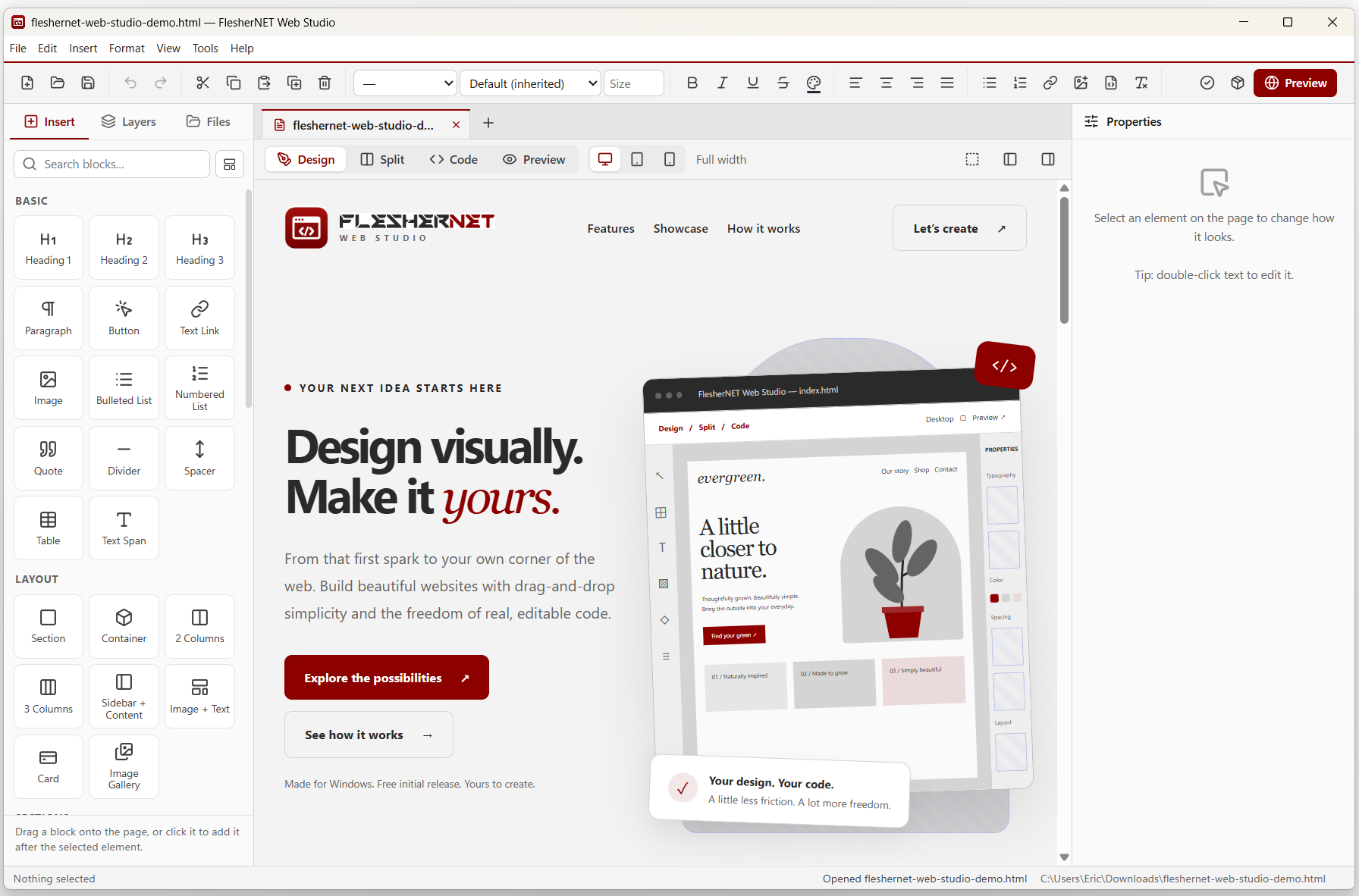
Visual design meets real code
Many website editors make you choose between a visual builder and writing code yourself. Web Studio gives you both. Choose from more than 50 ready-made components, click text to edit it, adjust styling through the properties panel, and switch to the source whenever you need finer control.
The four working views let you move between design and development without changing applications: Design for visual editing, Split for the page and code side by side, Code for direct source editing, and Preview to see the result.
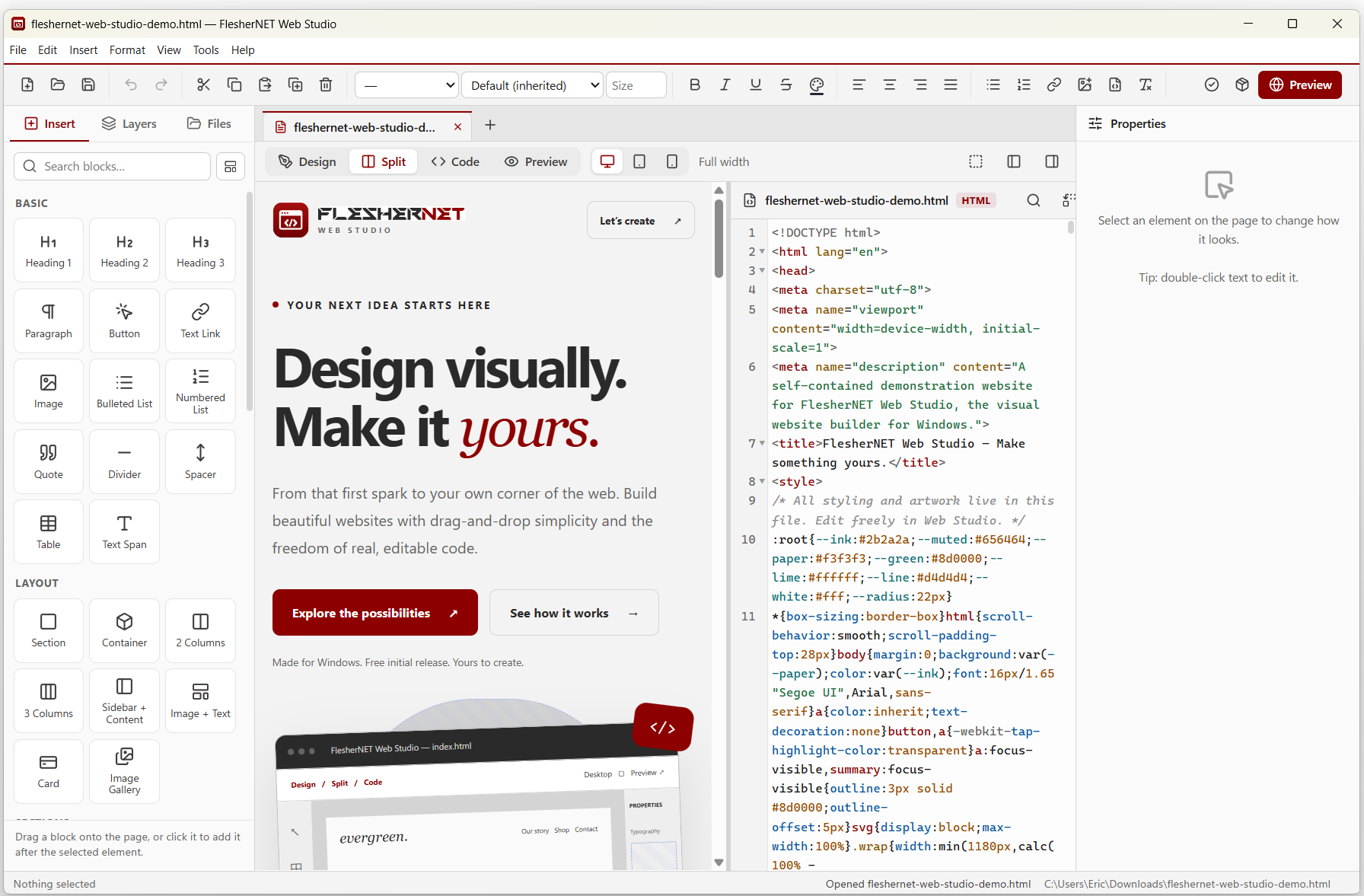
Take a closer look
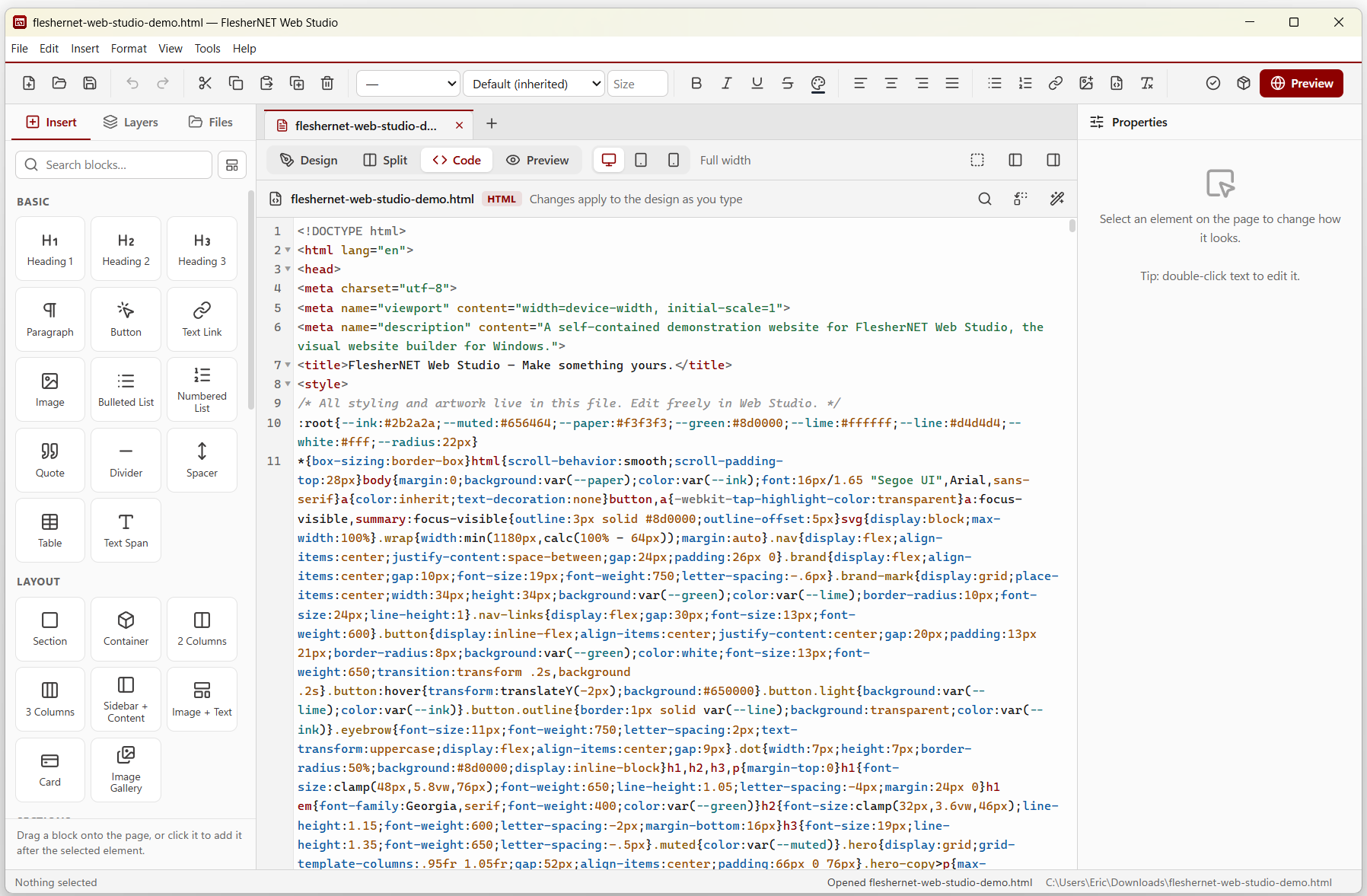
Code editing
Edit HTML, CSS, and PHP directly, with syntax highlighting and line numbers. Select an element in the visual editor to jump to its code, or edit the code and see the design update.
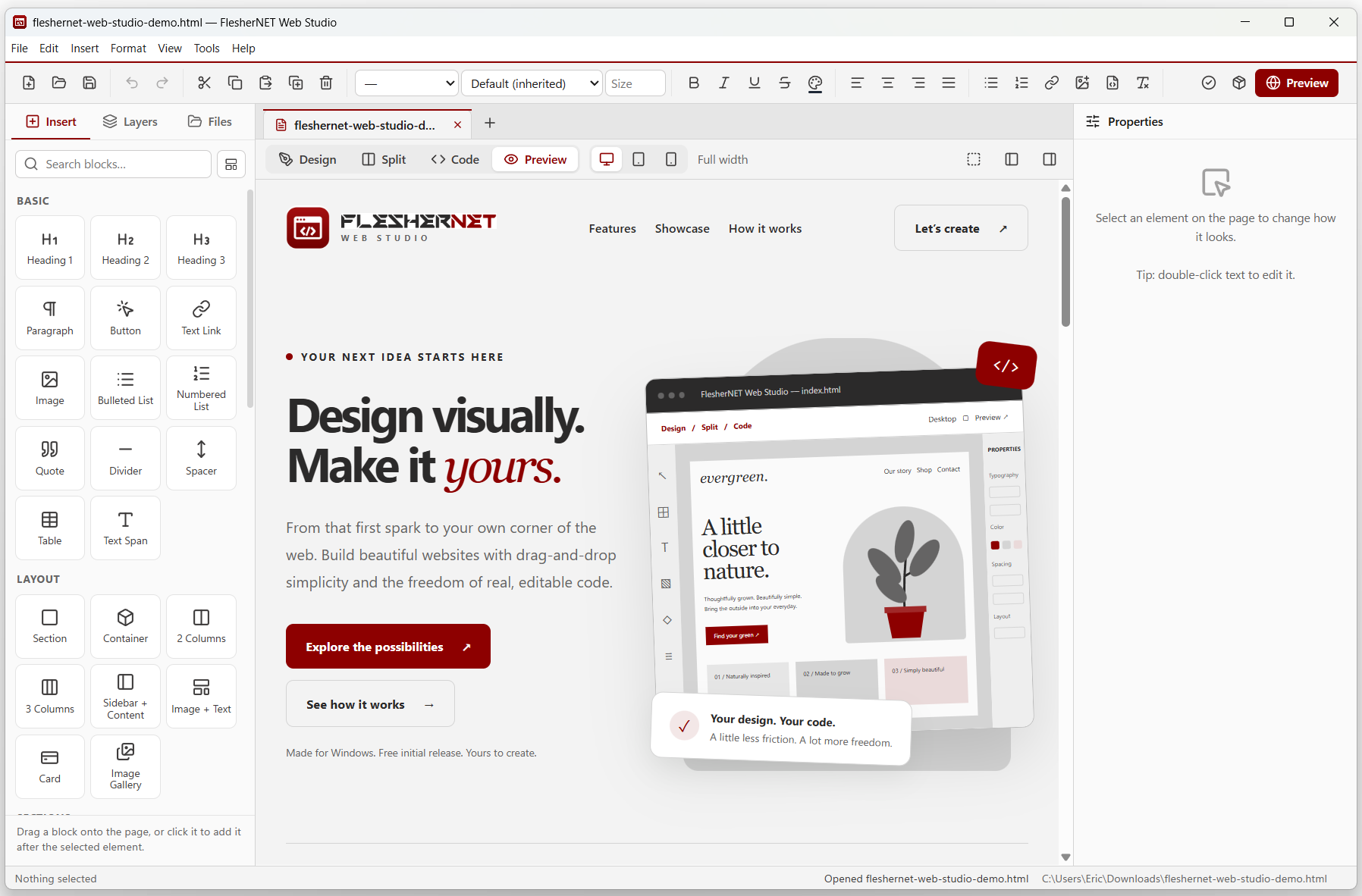
Built-in preview
Check your pages inside Web Studio, switch between desktop, tablet, and phone sizes, or open the result in your browser.
What Web Studio includes
Drag-and-drop components
More than 50 blocks, including navigation bars, hero sections, pricing tables, galleries, testimonials, contact forms, videos, and maps.
Point-and-click styling
Adjust fonts (including Google Fonts), colors, gradients, spacing, borders, shadows, and layouts through the properties panel.
Whole-site projects
Work with several files in tabs and manage pages, PHP includes, stylesheets, and scripts from the Files panel.
PHP support
Add PHP manually or visually. With PHP installed locally, Web Studio can run PHP in preview and check syntax when saving.
WordPress theme export
Export a design as an installable WordPress theme with shared headers and footers, navigation menus, blog content, and widget areas.
Starter templates
Begin with a landing page, small business site, portfolio, blog, PHP starter, or coming-soon template, then customize it.
Page checks and portable files
Find common issues such as missing titles, image descriptions, and empty links. Export organized website files for use with a compatible web host, without locking the source into the application.
Made for Windows
Familiar menus, toolbars, keyboard shortcuts, unlimited undo, light and dark themes, unsaved-work recovery, and a signed installer with per-user or all-user installation options.
Download FlesherNET Web Studio
Free initial release for Windows. Download the installer and start working on your own websites. Future versions and pricing may change.
PHP execution in Preview requires a local PHP installation. WordPress theme exports require a compatible WordPress installation and hosting environment.
Questions or feedback?
I developed FlesherNET Web Studio from scratch, and I’m interested in hearing how people use it. If you run into a problem or have an idea for improving it, get in touch.
